
Arduino Project 012 - Piezo Sounder Melody Player
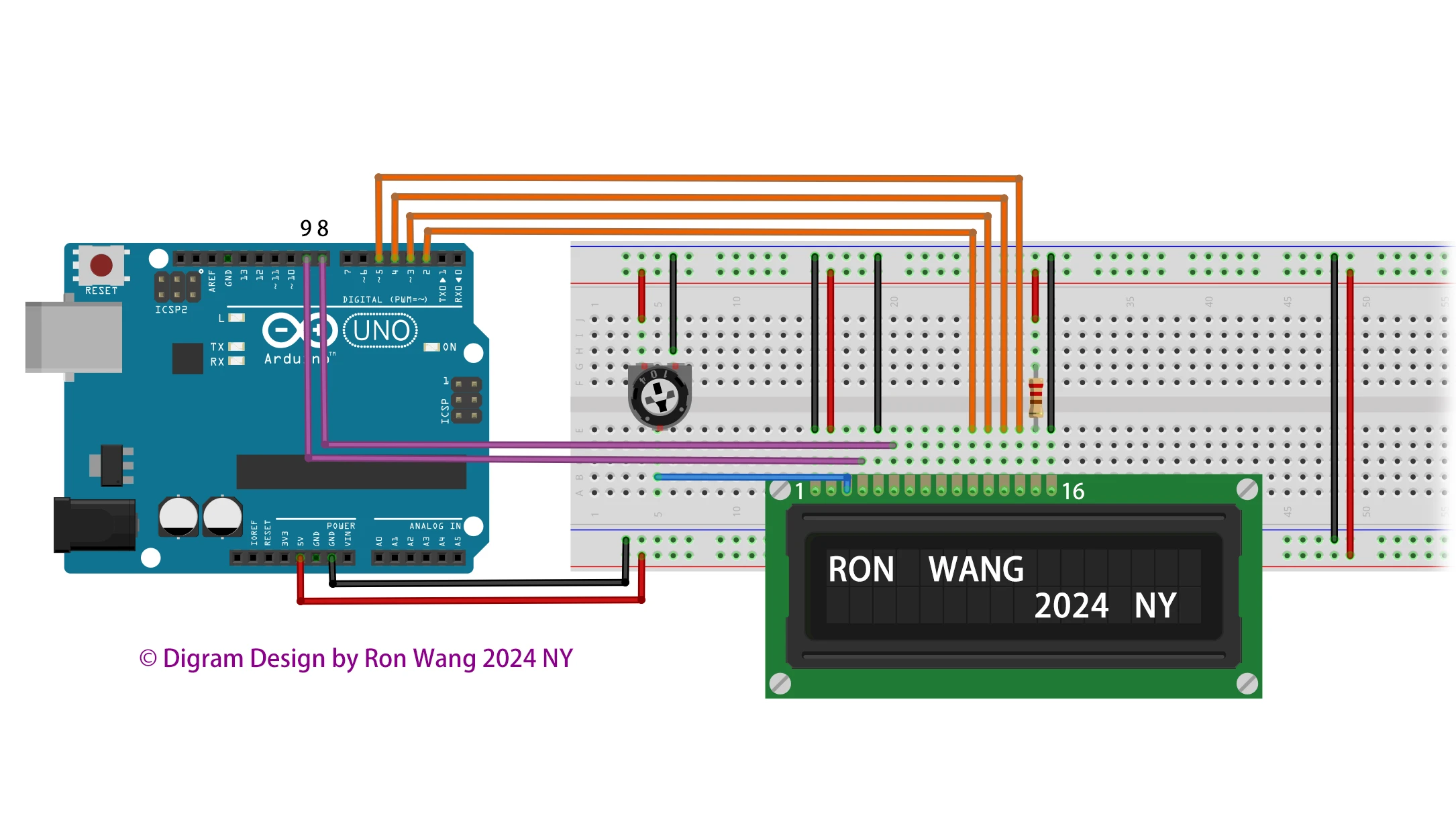
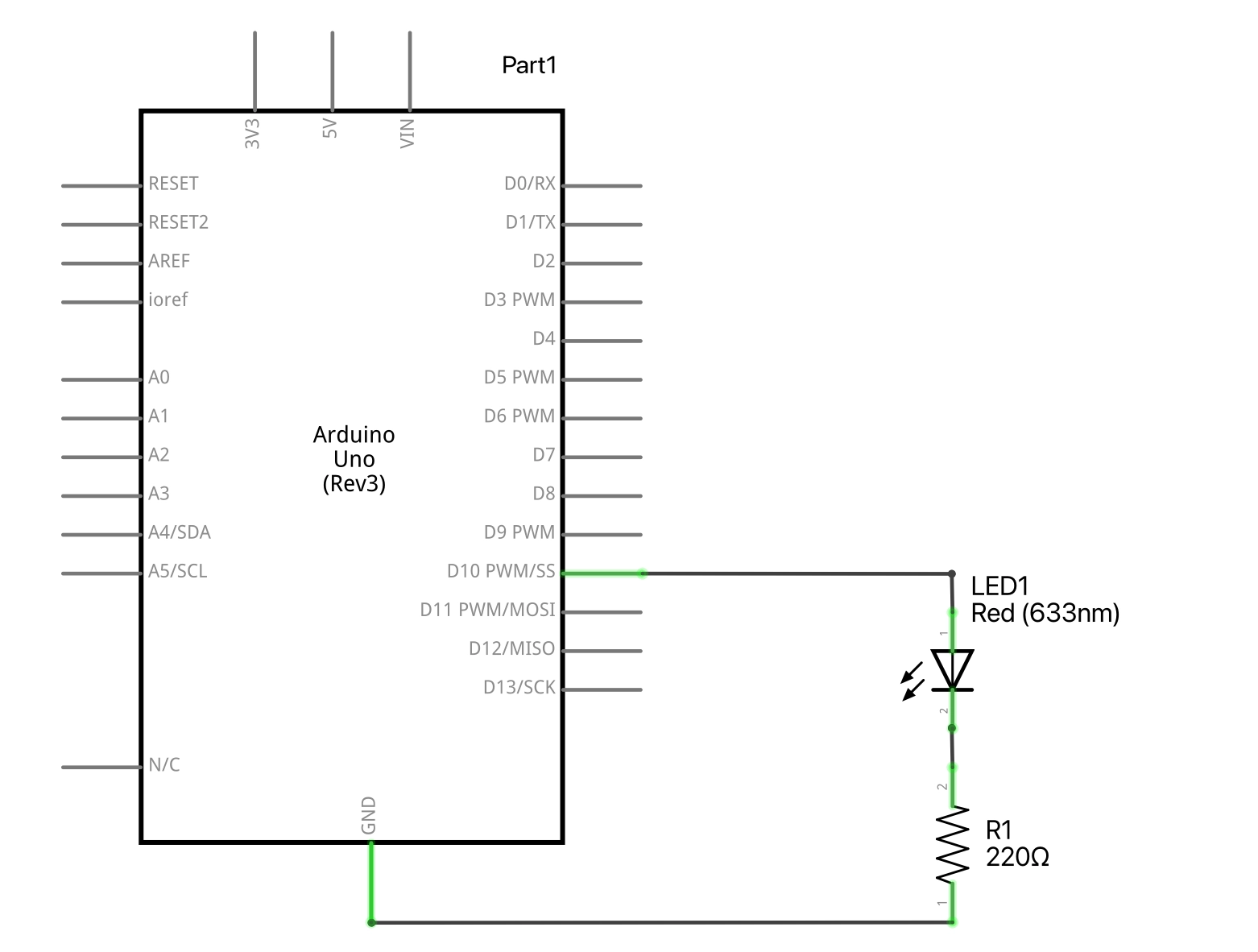
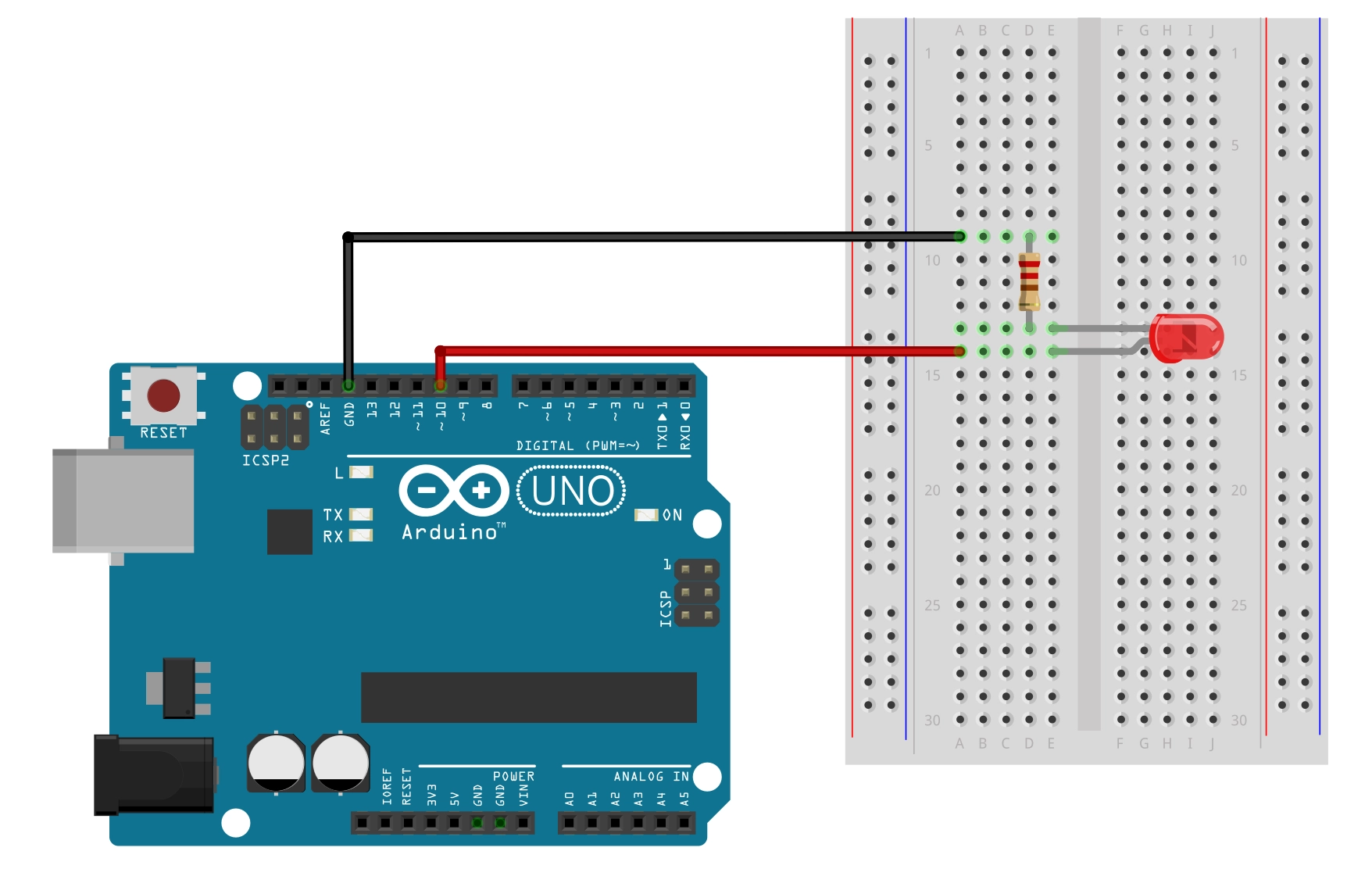
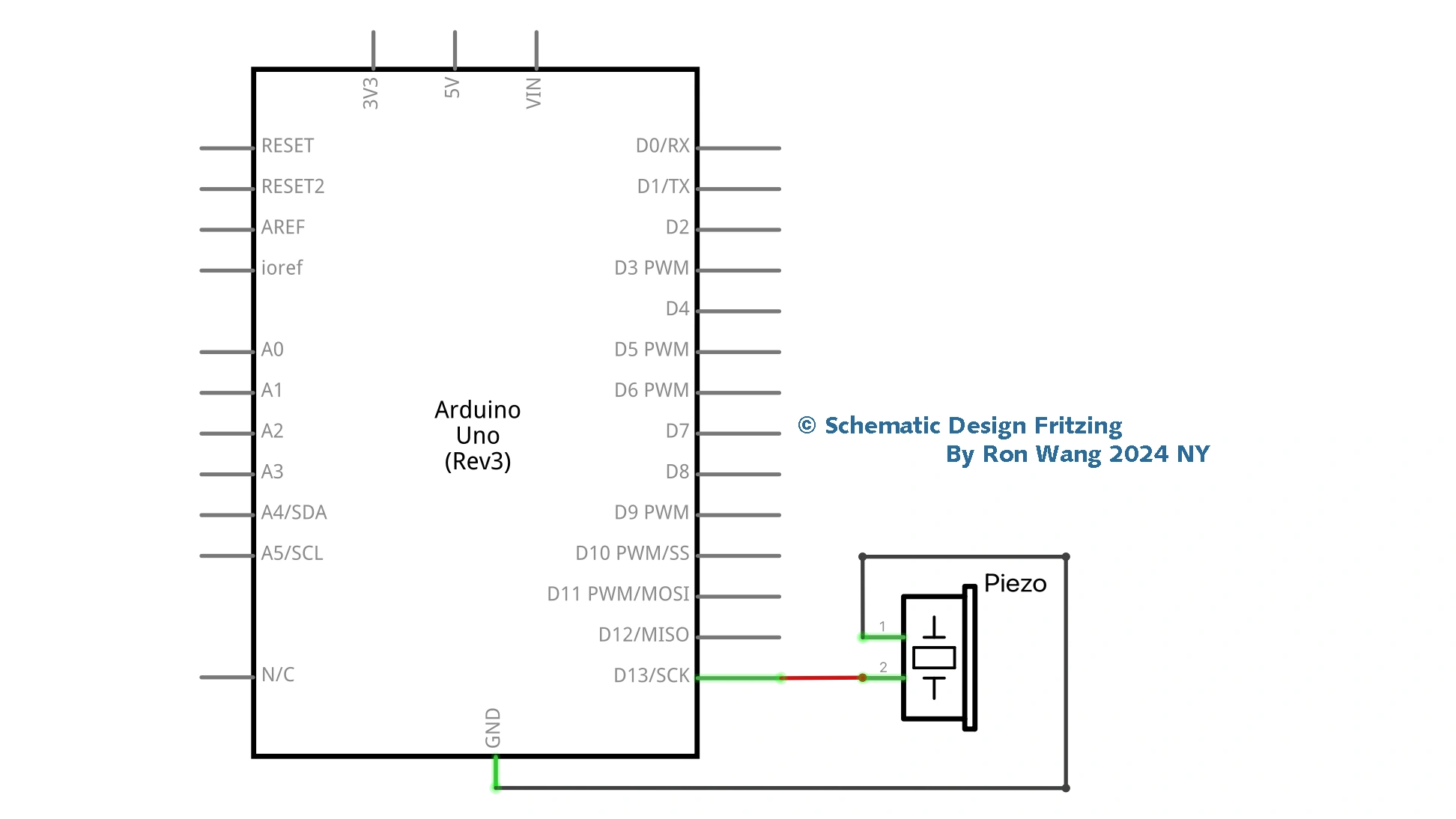
Rather than using the piezo to make annoying alarm sounds, why not use it to play a melody? You are going to get your Arduino to play the chorus of “Puff the Magic Dragon.” Leave the circuit exactly the same as in Project 11; you are just changing the code.
项目 Project 12 - Piezo Sounder Melody Player 扬声器音乐演奏
/* Coding Ron Wang
   Aug.6th 2024
   Autaba support for coding hardware
 */
// Project 12 - Piezo Sounder Melody Player
#define NOTE_C3 131
#define NOTE_CS3 139
#define NOTE_D3 147
#define NOTE_DS3 156
#define NOTE_E3 165
#define NOTE_F3 175
#define NOTE_FS3 185
#define NOTE_G3 196
#define NOTE_GS3 208
#define NOTE_A3 220
#define NOTE_AS3 233
#define NOTE_B3 247
#define NOTE_C4 262
#define NOTE_CS4 277
#define NOTE_D4 294
#define NOTE_DS4 311
#define NOTE_E4 330
#define NOTE_F4 349
#define NOTE_FS4 370
#define NOTE_G4 392
#define NOTE_GS4 415
#define NOTE_A4 440
#define NOTE_AS4 466
#define NOTE_B4 494
#define WHOLE 1
#define HALF 0.5
#define QUARTER 0.25
#define EIGHTH 0.125
#define SIXTEENTH 0.0625
int tune[] = { NOTE_C4, NOTE_C4, NOTE_C4, NOTE_C4, NOTE_C4,
NOTE_B3, NOTE_G3, NOTE_A3, NOTE_C4, NOTE_C4, NOTE_G3, NOTE_G3,
NOTE_F3, NOTE_F3, NOTE_G3, NOTE_F3, NOTE_E3, NOTE_G3, NOTE_C4,
NOTE_C4, NOTE_C4, NOTE_C4, NOTE_A3, NOTE_B3, NOTE_C4, NOTE_D4};
float duration[] = { EIGHTH, QUARTER+EIGHTH, SIXTEENTH, QUARTER,
QUARTER, HALF, HALF, HALF, QUARTER, QUARTER, HALF+QUARTER, QUARTER,
QUARTER, QUARTER, QUARTER+EIGHTH, EIGHTH, QUARTER, QUARTER, QUARTER,
EIGHTH, EIGHTH, QUARTER, QUARTER, QUARTER, QUARTER, HALF+QUARTER};
int length;
void setup() {
 pinMode(8, OUTPUT);
 length = sizeof(tune) / sizeof(tune[0]);
}
void loop() {
 for (int x=0; x<length; x++) {
 tone(8, tune[x]);
 delay(1500 * duration[x]);
 noTone(8);
 }
 delay(5000);
}
版权声明:本文为原创文章,版权归donstudio所有,欢迎分享本文,转载请保留出处!